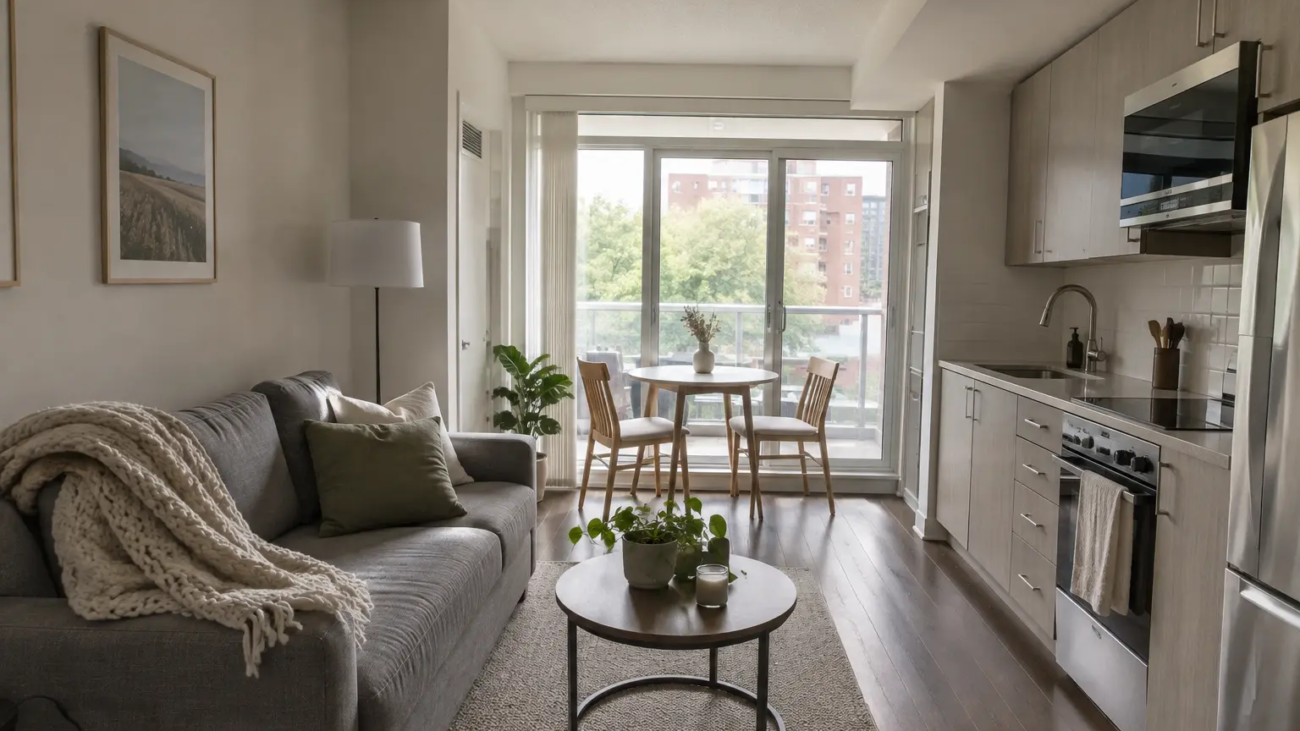
A guest booking two nights asks, “Will this be a nice place to stay?” A tenant booking three months asks, “Can I live here?” That difference changes what your listing photos need to show. That is where furnished rental photography in Toronto earns its cost.
Since Toronto limited short-term rentals to a host’s principal residence, many owners of second condos and investment units have moved to furnished stays of 28 nights or longer. Their tenants are relocating professionals, travel nurses, insurance-displaced families, film and production crews, interns and people between homes. Many of them book from another city, without seeing the unit in person. Your photos and video are the viewing. Toronto only allows short-term rentals in a principal residence (see the City of Toronto announcement), which is why so many owners now list furnished units for 28 nights or more.
This guide explains what mid-term renters look for, which photos to include, and how to plan a shoot for a furnished rental in Toronto and the GTA.
Note: Short-term rental rules, condo bylaws and lease requirements change. Confirm the current rules for your unit with the City of Toronto and your condo corporation before you list. This article covers photography, not legal advice.
How Mid-Term Rental Photos Differ From Airbnb Photos
Short-stay listing photos sell an experience: the view, the cozy bed, the coffee setup. Mid-term listing photos still need to look inviting, but they also have to answer practical questions a tenant would normally answer during a viewing.
| Short stay (1–7 nights) | Mid-term stay (1–6 months) |
|---|---|
| Mood, style and the “wow” photo | Daily life: working, cooking, storing, laundry |
| Bed and bathroom quality | Closet space, drawers and storage |
| Amenities for a weekend | Workspace, kitchen equipment, in-suite laundry |
| Location for sightseeing | Commute, transit, groceries and parking |
| 15–20 photos is often enough | 20–30 photos plus a walkthrough video works better |
If your current gallery was shot for Airbnb, it is a good starting point. It usually needs more practical coverage, not a full reshoot. See our Airbnb photography tips for the basics of light, angles and gallery order.
What 30+ Day Tenants Look For in Listing Photos
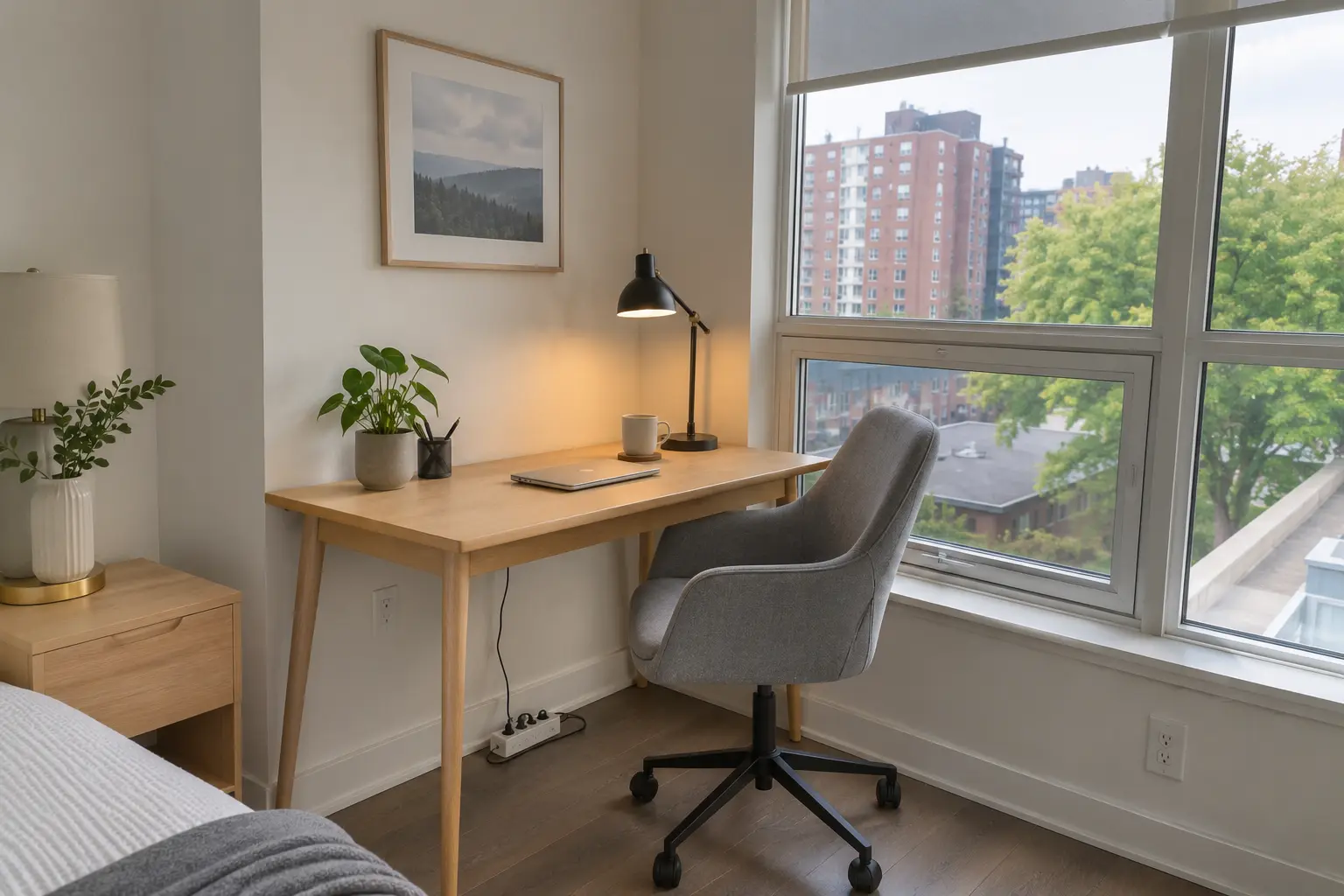
A real place to work
Many mid-term tenants work remotely or bring work home. Photograph the desk or table at a height and angle that shows it is usable: chair, lamp, outlet nearby, and the window light. If there is no dedicated desk, show where a laptop setup works, such as a dining table by a window.
Storage they can actually use
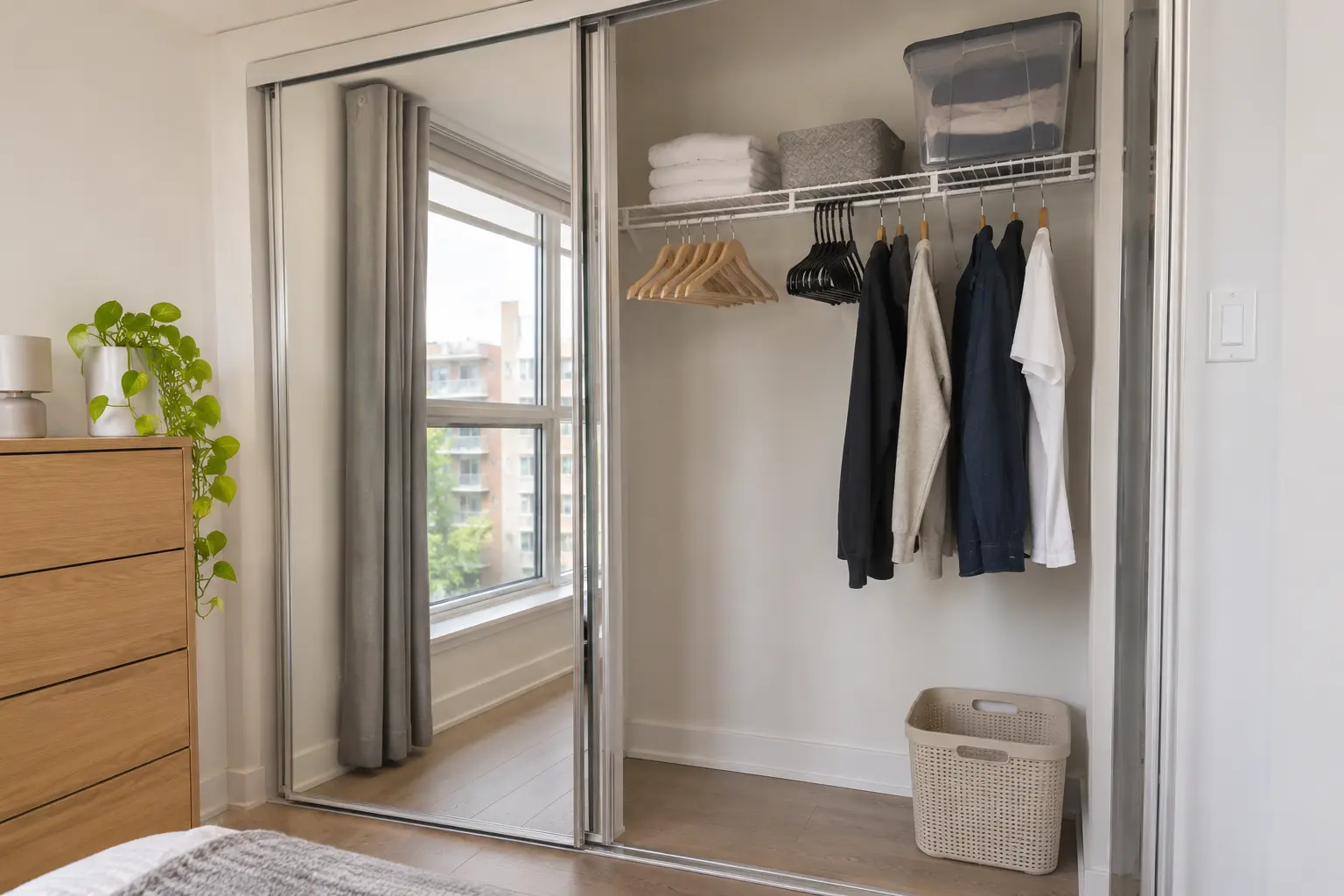
Three months of clothing does not fit in a nightstand. Open the closet and show empty hangers and shelf space. Photograph the dresser, the front hall closet, and any locker or storage room included with the unit.
A kitchen for everyday cooking
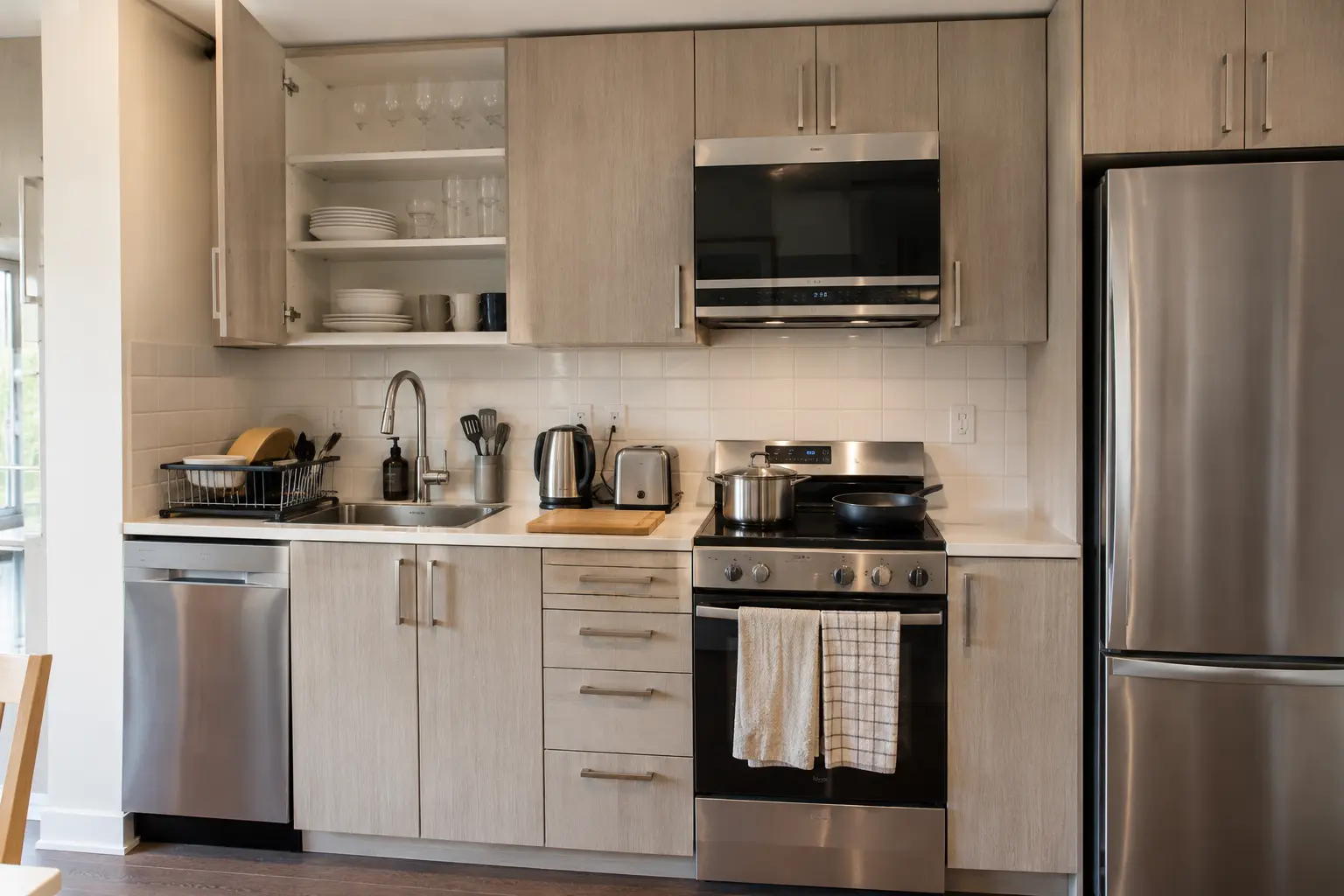
Short-stay guests eat out. Monthly tenants cook. Show the full kitchen, then detail shots of the stove, oven, dishwasher, cookware, and pantry or cabinet space. A neat, stocked kitchen tells a tenant they won’t need to buy basics on day one.
Laundry, parking and building amenities
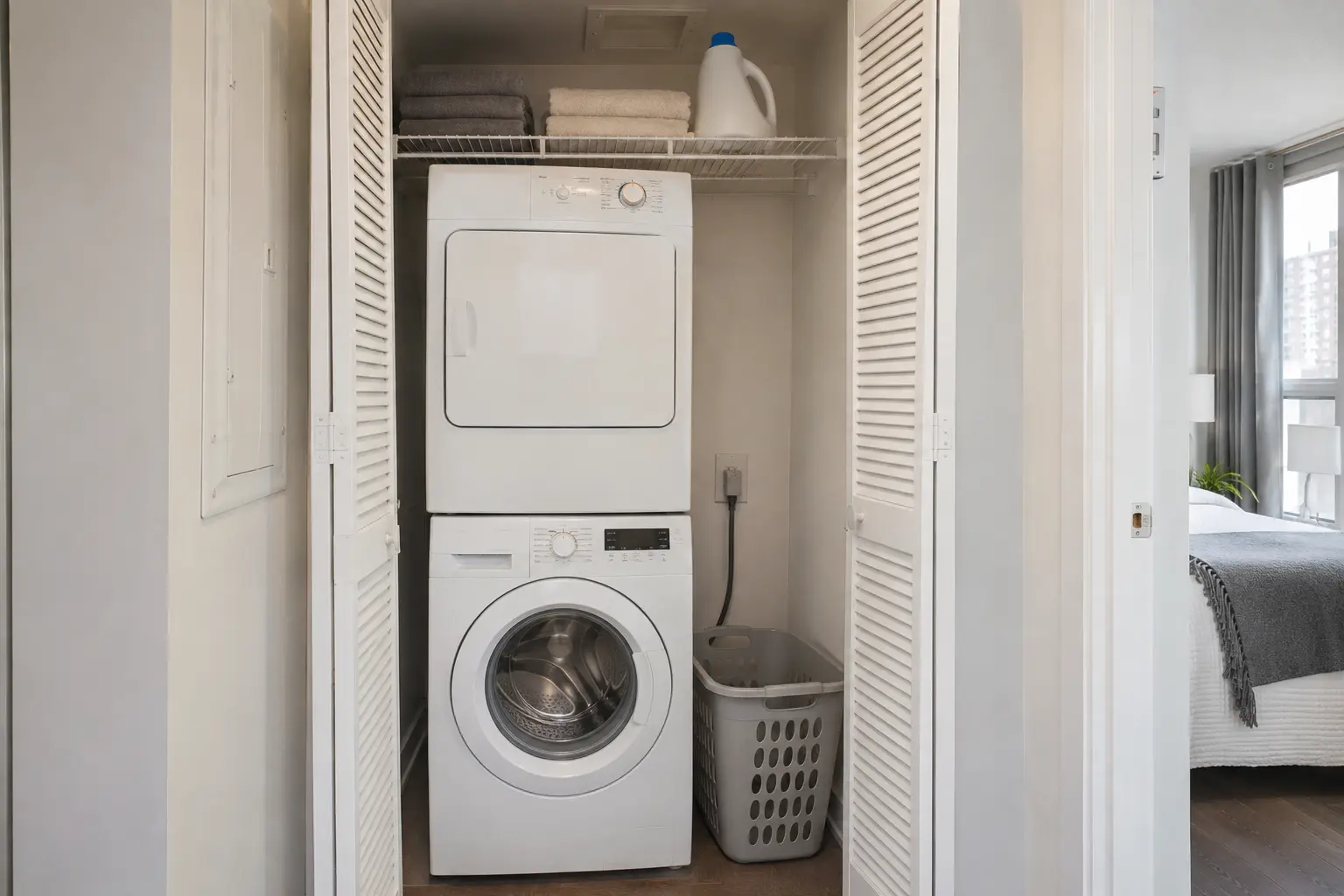
In-suite laundry is one of the first things a monthly tenant checks. Photograph the washer and dryer clearly. If parking, a gym, a concierge or a party room is included, photograph those too, with permission from your building management where required.
The bedroom as a place to live, not just sleep
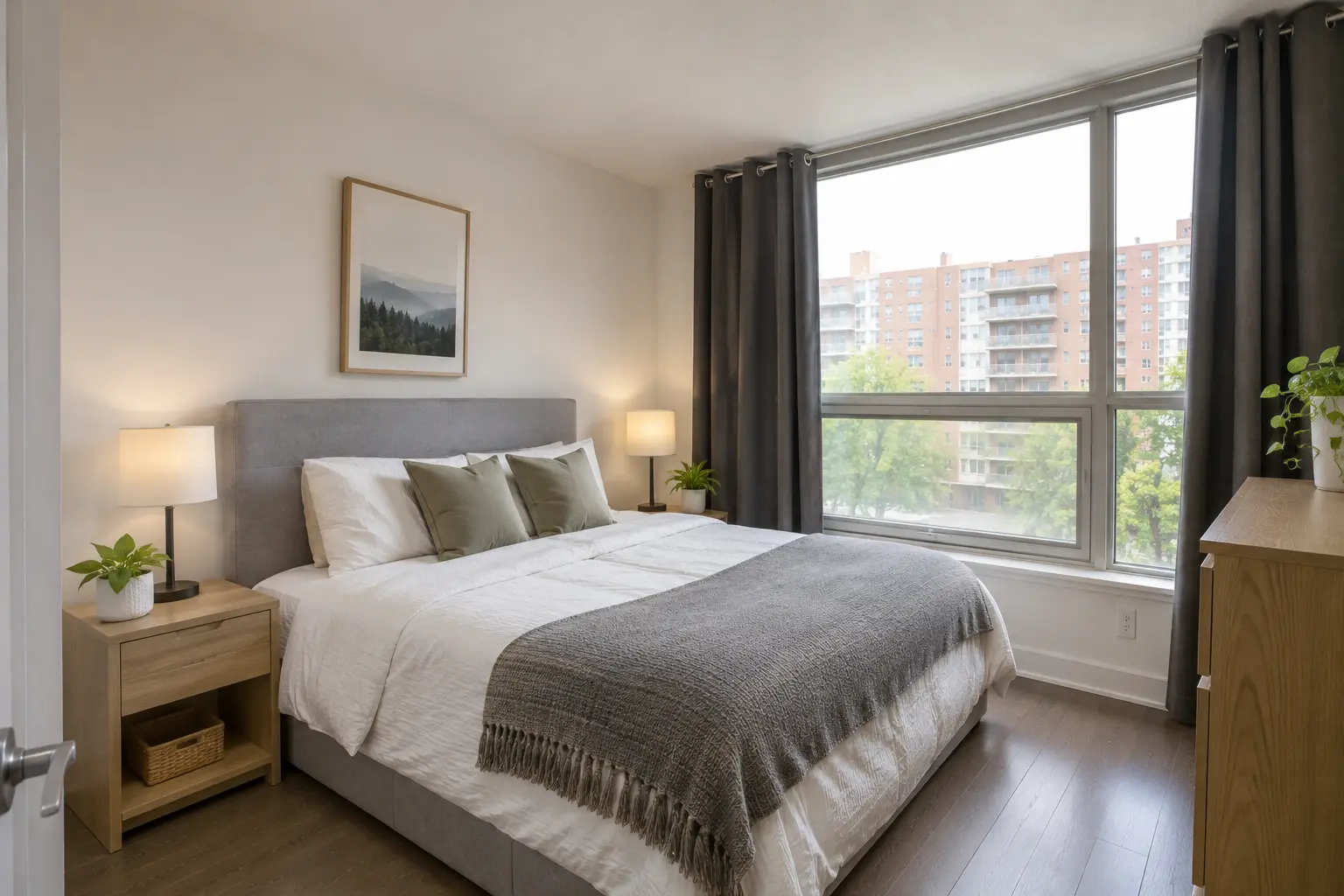
Show the bed size clearly, the blackout blinds or curtains, bedside lighting and outlets, and enough floor space to move around. A second bedroom used as an office should be photographed as both.
The neighbourhood and commute
Tenants choose a mid-term rental partly by its location. One or two exterior or street photos, the building entrance and the nearest transit stop or main street help them picture their routine. Avoid misleading angles; show the actual surroundings.
Furnished Rental Photography in Toronto: Room-by-Room Shot List
Use this list to plan your shoot. For a one-bedroom condo, this typically produces 20–25 final images.
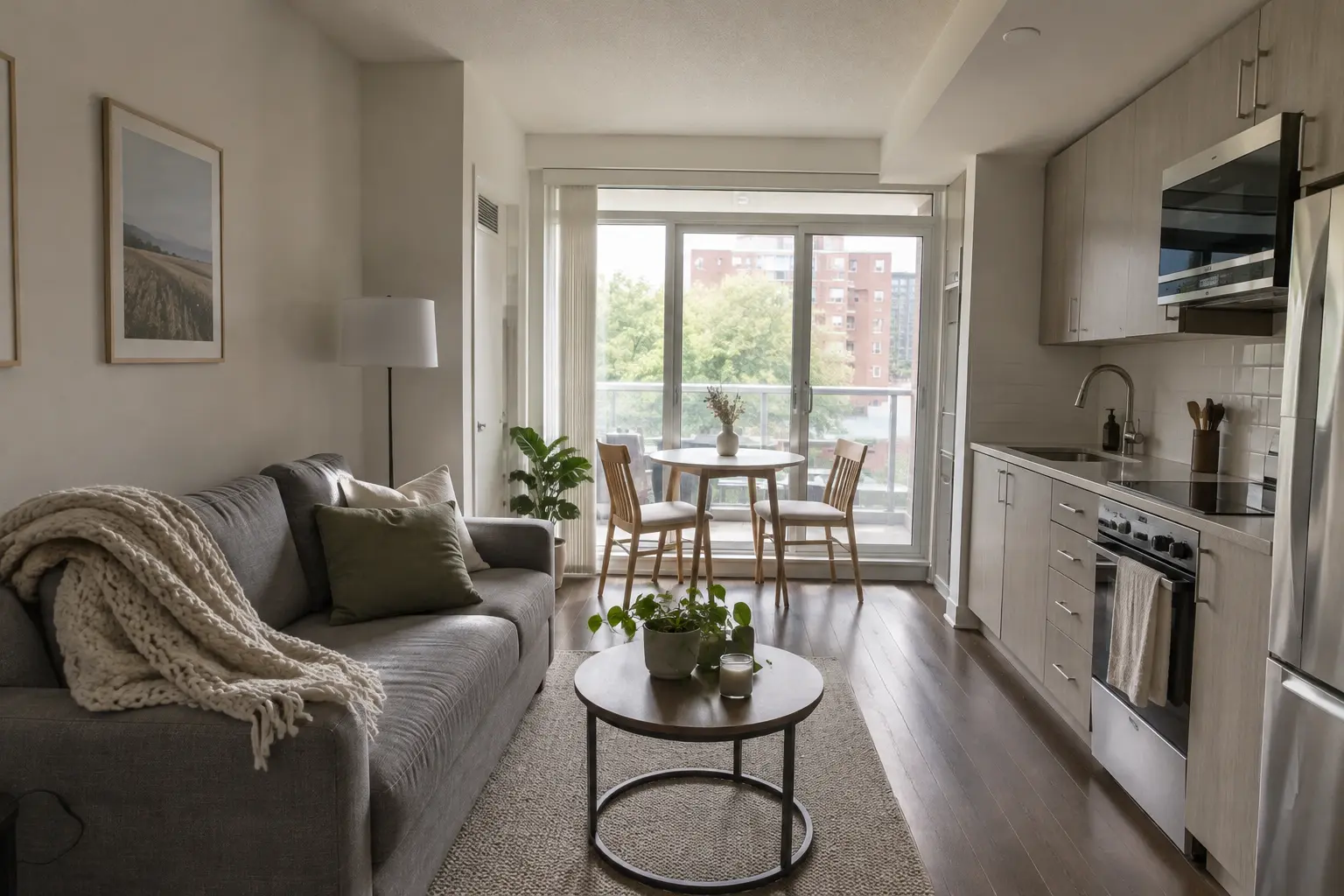
- Living room: one wide shot from the entrance, one from the opposite corner, one detail (sofa, TV, lighting).
- Kitchen: wide shot, cooking area, appliances, open cabinet or cookware detail.
- Dining or work area: table set for one or two, laptop-ready workspace.
- Bedroom: wide shot showing the whole room, bed detail, open closet.
- Bathroom: wide shot, vanity and storage, shower or tub.
- Laundry: washer and dryer, in-suite or shared laundry room.
- Storage: front closet, locker, dresser drawers.
- Balcony or outdoor space: the space itself, plus the view if it is a selling point.
- Building: entrance, lobby, gym or other amenities included in the rent.
- Location: street view, nearby transit or main street.
For houses and larger units, add each extra bedroom, the basement, the backyard and the driveway or garage.
How We Shoot a Furnished Rental: Notes From the Set
Every rental is different, but a few decisions shape almost every furnished rental shoot we do in Toronto condos and GTA homes.
Camera height and lens. We shoot most rooms from about chest height with a wide, but not extreme, lens. Ultra-wide angles make a small condo look larger in photos, and that creates a bad first impression at move-in. A tenant staying for three months should walk in and recognize the space immediately.
Vertical lines stay vertical. Leaning walls and door frames make a room feel smaller and cheaper. We level the camera and correct perspective so walls, windows and cabinets look straight, as they do in person.
Window light and interior light together. Toronto condos often have one wall of glass and darker interiors. We take several exposures of each frame and blend them, so the view outside and the room inside are both visible without the flat, over-processed look of heavy HDR.
Timing the shoot. For west- or south-facing units, we usually avoid the hour when direct sun hits the floor, because it creates harsh patches of light. Overcast days are fine for interiors; for a skyline view or a twilight exterior, we plan the time around the light.
Styling with intent. We bring a small kit of neutral props, but for mid-term rentals we keep styling practical: a laptop on the desk, folded towels, a kettle on the counter. The goal is to show daily use, not a magazine set.
Video stabilization and pacing. Walkthrough clips are filmed on a gimbal at walking pace, following the route a tenant would take from the front door. We avoid fast transitions so viewers can follow the layout.
Why a Walkthrough Video Matters More for Monthly Rentals
A tenant committing to three or six months, often from another city, wants to understand the layout before signing. Photos show each room; a walkthrough video shows how the rooms connect, how far the bedroom is from the kitchen, and how big the space really feels.
A 30–90 second walkthrough answers many of the questions you would otherwise handle in messages or video calls. It also gives you a clip you can share in emails to relocation agents, corporate housing coordinators or insurance adjusters.
Our Premium and Luxury packages include short video. Details are on the Airbnb photography packages page.
One Photo Set for Every Platform
Mid-term rentals are often listed on several platforms at once: Airbnb monthly stays, furnished rental sites, local rental listing sites, social media, and your own website or a corporate housing agency’s site. You don’t need a separate shoot for each.
Ask your photographer for:
- Landscape images for listing sites and your website.
- Vertical crops of key rooms for social media and stories.
- Consistent order and file names, so you can upload the same gallery across platforms quickly.
Preparing Your Furnished Unit for the Shoot
- Finish turnover first. Schedule the shoot between tenants, after cleaning, with fresh linens.
- Stage for daily life. Leave a few practical touches visible: towels, a kettle, a desk lamp, hangers in the closet. Remove personal items, paperwork and excess decor.
- Open everything. Blinds, curtains and interior doors open; all lights on and with matching bulb colour where possible.
- Clear surfaces. Kitchen counters, bathroom vanity and desk should be almost empty.
- Book building access. If you want photos of the gym, lobby or rooftop, check your building’s rules for photography in common areas.
- Hide cables and remotes. Small details stand out in wide-angle photos.
Keep Edits Honest
Tenants staying for months will notice if the unit doesn’t match the photos, and a mismatch can lead to disputes or early move-outs. Professional editing should correct brightness, colour and straight lines; it should not remove permanent features, change the view or make rooms look larger than they are.
How Much Does Furnished Rental Photography Cost?
Furnished rental shoots use the same packages as our Airbnb photography:
- Essential — from $180 CAD: 15 edited images. Suits a studio or small one-bedroom where you mainly need clean, practical coverage.
- Premium — from $260 CAD: 25 edited images, a 30–60 second video and one social reel. Our recommendation for most mid-term rentals, because it covers the extra practical shots plus a walkthrough.
- Luxury — from $380 CAD: 35 edited images, a 60–90 second video and three reels, with priority editing. Suits larger homes or owners marketing several channels.
Drone coverage is available as an add-on. Final pricing depends on the size of the property and location; see our Airbnb photography cost guide for price ranges by property type.
Listing an unfurnished unit for a standard 12-month lease instead? Our real estate photography in Toronto is a better fit.
Frequently Asked Questions
Can I reuse my Airbnb photos for a mid-term rental listing?
Often, yes, as a base. Most Airbnb galleries lack the practical shots monthly tenants want, such as open closets, the workspace, laundry and building amenities. Adding those, plus a walkthrough video, is usually enough.
How many photos should a furnished rental listing have?
For a one-bedroom condo, 20–25 photos covers every room and the key practical details. Larger homes may need 30 or more. Quality and clear order matter more than the total count.
Do you photograph furnished rentals outside Toronto?
Yes. We cover Toronto and the GTA, including North York, Scarborough, Etobicoke, Markham, Richmond Hill, Vaughan, Mississauga and Brampton. For locations outside the GTA, contact us for a quote.
Do you photograph condo building amenities?
Yes, when your building allows it. We recommend checking with your property management in advance, as some buildings require notice or have rules for photography in common areas.
How fast will I get the photos?
Essential package images are typically delivered within about 24 hours. Packages with video usually take 24–48 hours.
Book Your Furnished Rental Photoshoot
Whether you are moving a unit from nightly stays to monthly tenants or listing a new furnished rental, clear photos and a walkthrough video help the right tenant book with confidence.
See the full range of services on our Airbnb and rental photography page, browse recent work in the Airbnb photography gallery, or request a quote. You can also call us at 647-926-0010.
Images in this article are illustrations created to show the shot types described, not photos of a client property.
Add a Comment