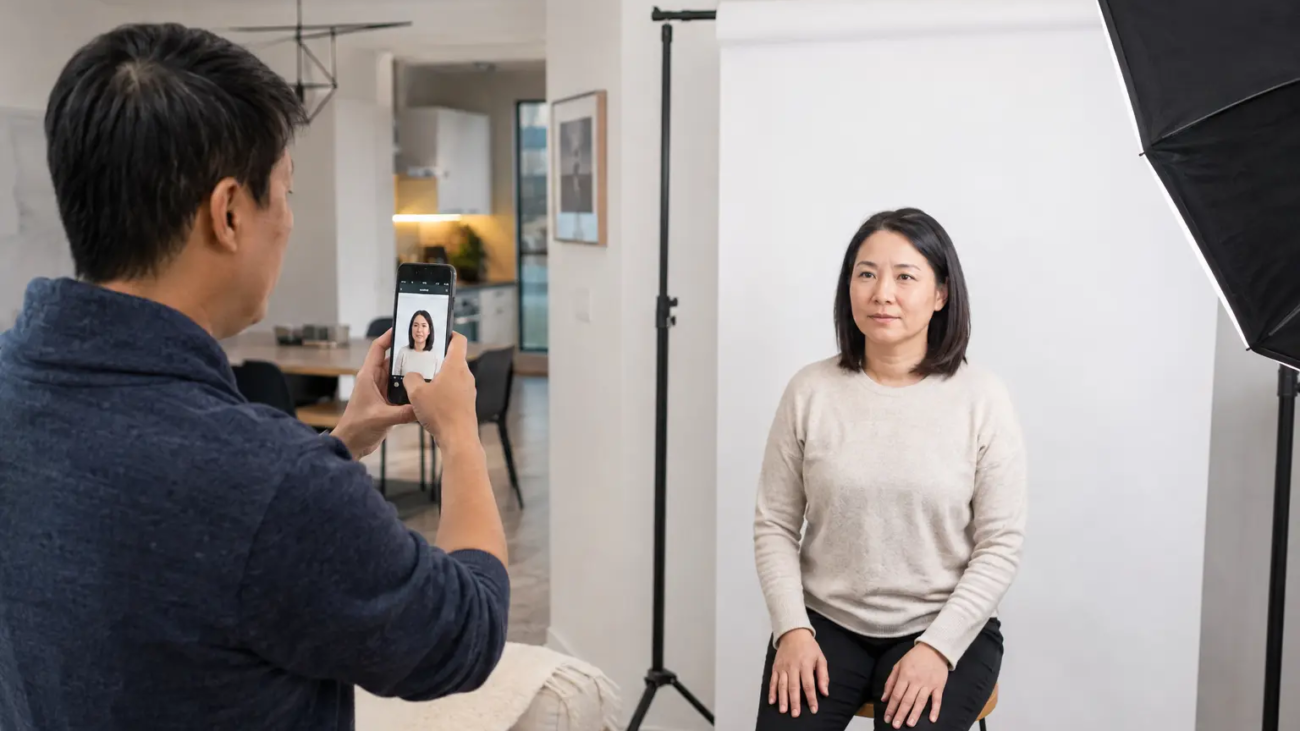
Can you take passport photos at home in Canada? You can have the photo session in your home, but a Canadian passport photo still has to meet strict government rules. For paper applications, the photos must be taken in person by a commercial photographer or photo studio, professionally printed, and include the photographer’s information on the back of one copy. For eligible online renewals, the digital file must also come from a commercial photographer—not a phone selfie or a scan of a printed photo.
This guide explains what “at home” really means, why most DIY phone photos are not valid for a Canadian passport, and how a mobile photographer can bring a complete studio setup to your home in Toronto or the GTA.
Can You Take Your Own Canadian Passport Photo at Home?
For a Canadian passport application, taking a casual photo yourself with a phone is not the same as having a passport photo taken at home. The Government of Canada requires passport photos to be taken in person by a commercial photographer or photo studio. For printed applications, you need two identical, unaltered photos produced from the same image and printed on plain, high-quality photographic paper.
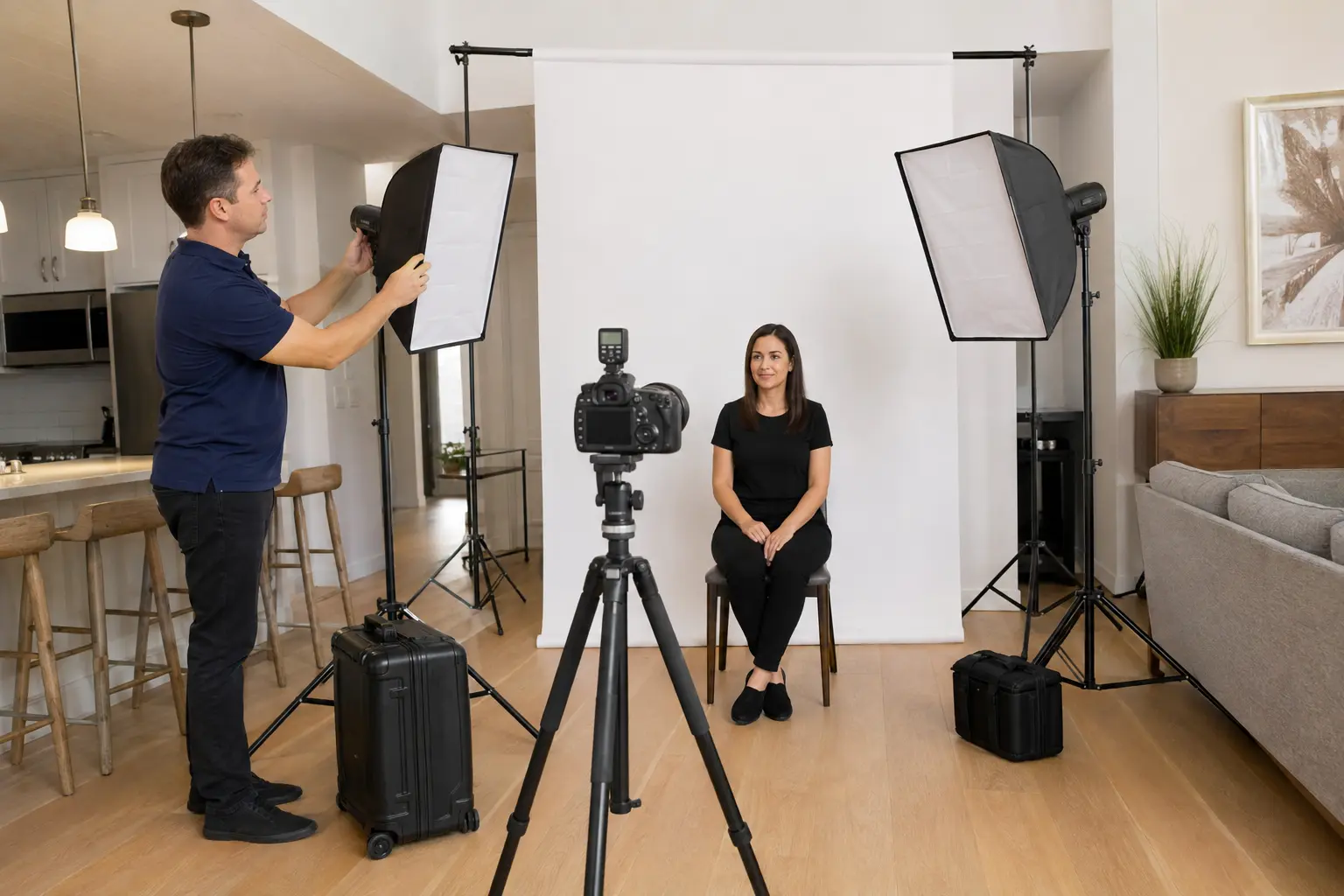
The location of the session is flexible. A qualified photographer can set up professional lighting, a compliant background and calibrated camera equipment in your living room, residence, long-term-care facility or hospital room. The photographer then prepares the correct printed or digital deliverables for the application type.
If leaving home is difficult, our mobile passport photo service in Toronto and the GTA brings the studio to you.
Canadian Passport Photo Requirements in 2026
According to the official Government of Canada passport photo requirements, printed passport photos must meet these core specifications:
- Photo size: 50 mm wide by 70 mm high.
- Face height: between 31 mm and 36 mm from chin to crown.
- Age of photo: taken within six months of the application.
- Expression: neutral, with the mouth closed and eyes clearly visible.
- Position: face and shoulders square to the camera, with the head centred and not tilted.
- Lighting: even and natural-looking, without shadows, glare or flash reflections.
- Background: plain white or light-coloured, with clear contrast from the face and clothing.
- Image quality: clear, sharp, in focus and unaltered.
For a mailed or in-person application, one printed photo must show the photographer or studio name, complete address and the date the photo was taken. Stick-on labels are not accepted. These details are one reason a phone photo printed at a pharmacy is not automatically a compliant Canadian passport photo.
For a more detailed checklist, see our complete Canadian passport photo requirements guide.
Printed Photos vs. Digital Photos for Online Renewal
Canada now allows eligible adults to renew a passport online. The digital-photo rules are different from simply scanning a printed passport photo. The official online renewal instructions state that the digital photo must be taken in person by a commercial photographer, be no more than six months old and not be a scanned copy of a printed photo.
Tell the photographer how you plan to apply before the session. A professional can prepare the correct digital file for an eligible online renewal, two stamped prints for a paper application, or both. Having both formats gives you flexibility if you change your submission method.
Why DIY Passport Photos Often Fail
A phone can produce a sharp image, but sharpness is only one part of compliance. Common problems with DIY photos include uneven window light, shadows behind the head, a background that is not truly plain, incorrect head size, a tilted camera, distortion from a wide-angle phone lens, glare on glasses and digital retouching applied automatically by the device.
There is also a practical issue: a friend or family member usually cannot provide the required commercial-photographer details for a printed application. A mobile professional controls the camera height, focal length, lighting, crop, print size and required information as one complete process.
How Professional At-Home Passport Photography Works
- Book the appointment. Share your location, number of people and the document or country specifications you need.
- The studio comes to you. The photographer arrives with a portable white background, professional lights, camera and measuring tools.
- The photo is captured carefully. Camera height, posture, expression, shadows and reflections are checked during the session.
- The image is prepared for the application. The crop and output are matched to the required passport or ID specifications without beauty retouching or appearance-altering edits.
- You receive the deliverables. Our Canadian passport package includes two prints, the studio stamp/signature information and a digital file. Photos are normally provided during the same session.
At-Home Baby and Newborn Passport Photos
Home service is especially useful for newborns and babies. The baby can remain in a familiar, clean environment, feeding and comfort breaks are easier, and parents do not have to manage travel or a crowded waiting area. The setup must still keep the baby’s head and shoulders visible, with no parent’s hands in the final image.
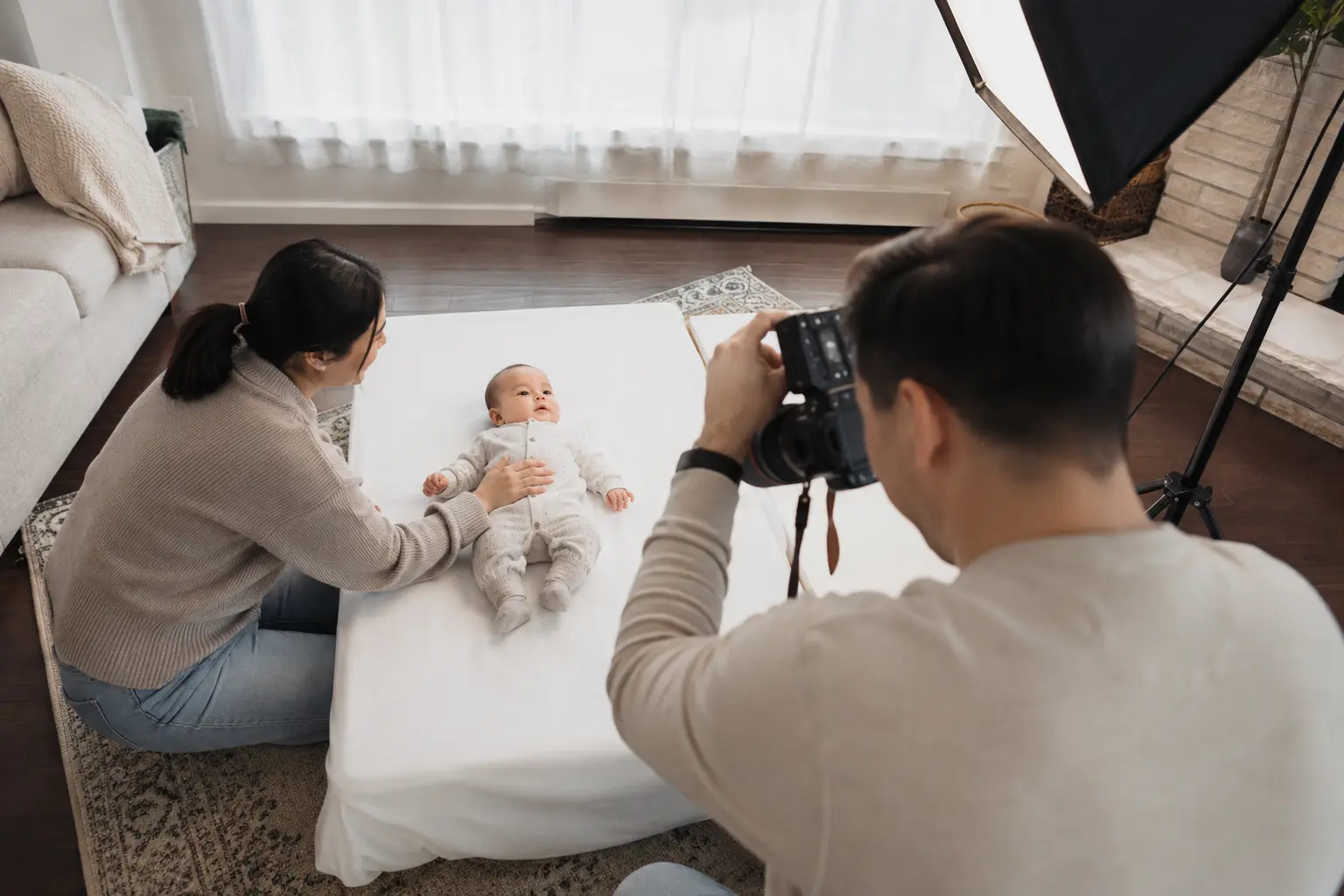
The Passport Program recognizes that a perfectly neutral expression can be difficult for a newborn and allows limited variation, but the photo must still be clear and usable. An experienced baby passport photographer knows how to work patiently when a baby is sleeping, moving, crying or not looking toward the camera. Read our guide to baby passport photos when your baby will not stop crying.
Passport Photos for Seniors, Mobility Challenges and Care Facilities
A mobile session can remove a major barrier for seniors, wheelchair users, people recovering from illness and residents of long-term-care facilities. The portable background and camera height can be adjusted around a chair, bed or accessible space while preserving dignity and comfort.
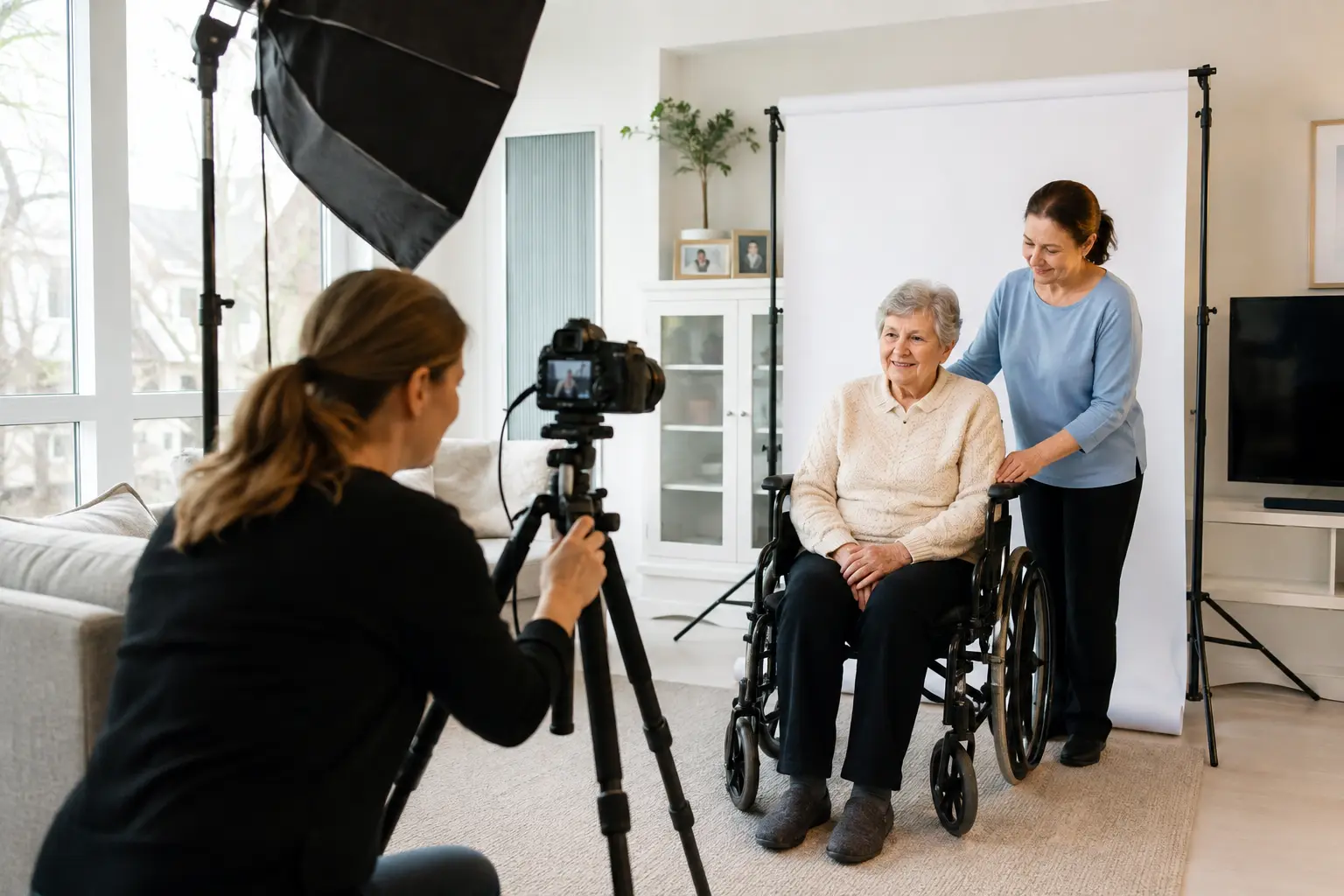
Extra time can be allowed for positioning, keeping the eyes open and capturing a compliant expression. For facilities and hospitals, we coordinate the setup around available space and the client’s condition. Travel outside our regular GTA service area may include an additional travel fee.
What to Wear and How to Prepare
- Wear a solid medium or dark colour so your clothing does not blend into the light background.
- Avoid uniforms, camouflage patterns and distracting accessories.
- Keep your normal appearance; do not use beauty filters or heavy editing.
- Glasses may be worn only if the eyes remain fully visible and there is no glare. Removing them is often the simplest option. See our guide to glasses in Canadian passport photos.
- Head coverings are permitted for religious beliefs or medical reasons, but the full face must remain visible and the covering cannot cast shadows.
- Have the application type and country ready so the photographer can prepare the correct format.
At-Home Passport Photo Pricing in Toronto and the GTA
Our mobile passport photo service is $100 for the first person and $25 for each additional person at the same location. The standard Canadian package includes two professional prints, studio information on the back and a digital file. A typical mobile appointment takes about 45 minutes including setup, photography and preparation.
The service is available across Toronto, North York, Richmond Hill, Markham, Vaughan, Thornhill, Scarborough, Etobicoke, Aurora and surrounding GTA areas. Some locations outside the regular service area may require a travel fee.
Frequently Asked Questions
Can I use a passport photo taken with my phone?
Not for a Canadian passport application when the photo has not been taken in person by a commercial photographer. Printed applications also require professional prints and photographer details. Eligible online renewals require a professional digital file rather than a selfie or scanned print.
Does at-home service mean the standards are different?
No. The location changes, but the technical and identity-photo requirements remain the same. The photographer brings a controlled studio setup to the home.
Do you guarantee that Passport Canada will approve my application?
No photographer can guarantee approval of an entire passport application. We guarantee the technical work within our control and will correct the photo at no charge if it is rejected because of a photographer error.
Can you photograph more than one family member?
Yes. Additional people at the same location are $25 each, which makes a home appointment practical for families.
Book a Professional Passport Photo at Home
If you need a compliant passport photo without travelling to a studio, Green Day Photography can bring a clean, professional setup to your home. We work with adults, babies, seniors and clients with limited mobility across Toronto and the GTA.
Hi! We need to make a photo of 99 years old women for PR card at home. Our adress is Hillhurst Dr 82 Richmond Hill. When you can come?
Sincerely yours, Yuri