Canadian passport photo requirements are strict, and printed applications follow different technical rules from online renewals. This 2026 guide explains the correct size, face height, background, expression, photographer details and digital file specifications so you can prepare the right photo for your application method.
Verified against the Government of Canada passport photo requirements in August 2026. Rules can change, so always confirm the latest instructions on the official Government of Canada page before applying.
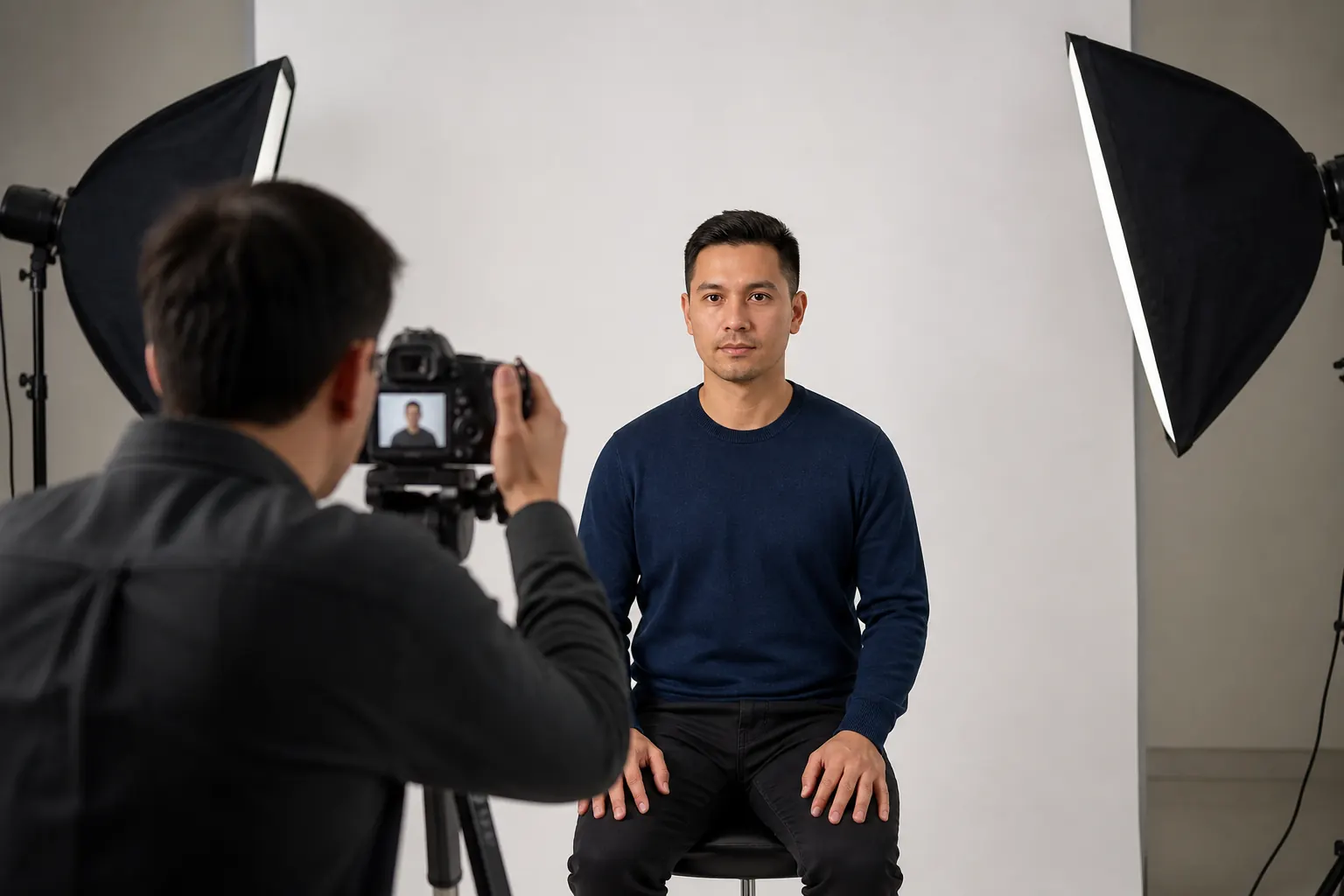
Canadian Passport Photo Requirements at a Glance
For a dedicated measurement explanation, see our Canadian passport photo size guide. The information below separates printed photos from the digital file required for an eligible online renewal.
Requirements for Printed Canadian Passport Photos
Number, size and face measurement
- Submit two identical and unaltered printed photos for an application made in person or by mail.
- Each print must measure 50 mm × 70 mm.
- The face must measure 31 mm to 36 mm from the chin to the crown—the natural top of the head, not the top of the hair.
- The photos must be professionally printed on plain, high-quality photographic paper. Home-printed photos are not accepted.
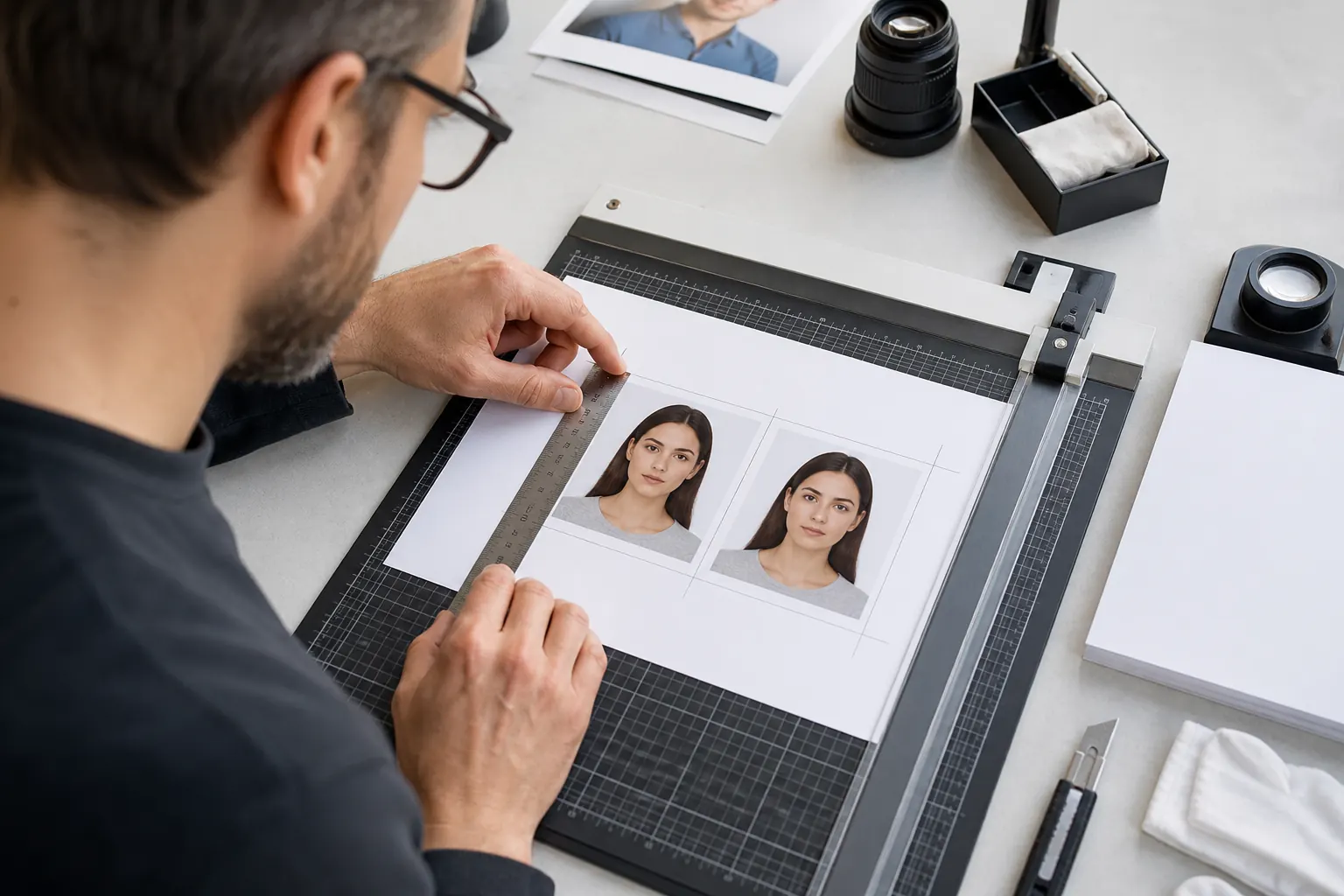
Image quality, lighting and background
The photo may be in colour or black and white, but it must be clear, sharp and in focus. Lighting must be uniform, with no shadows around the ears, across the face or shoulders, or on the background. Flash reflections, glare and red-eye are not accepted.
The background must be plain white or light-coloured, with enough contrast to separate your face, hair and clothing. The Government of Canada specifically advises against wearing white because it can blend into the background and lead to rejection.
Expression and position
- Look straight at the camera with your head and shoulders centred and squared.
- Keep both eyes open and clearly visible.
- Keep your mouth closed with a neutral expression—no smiling or frowning.
- Do not tilt or turn your head.
What must appear on the back?
On the back of one printed photo, the photographer must write or stamp the date the photo was taken plus the studio name and complete address. A guarantor must certify and sign one photo for a new adult passport or child application. An adult renewal does not require a guarantor. Always follow the instructions for your specific application form.
Digital Passport Photo Requirements for Online Renewal
If you are eligible to renew a Canadian adult passport online, you need a digital photo rather than only printed copies. The digital file must still be taken in person by a commercial photographer, be no more than six months old and cannot be a scan of a printed photo.
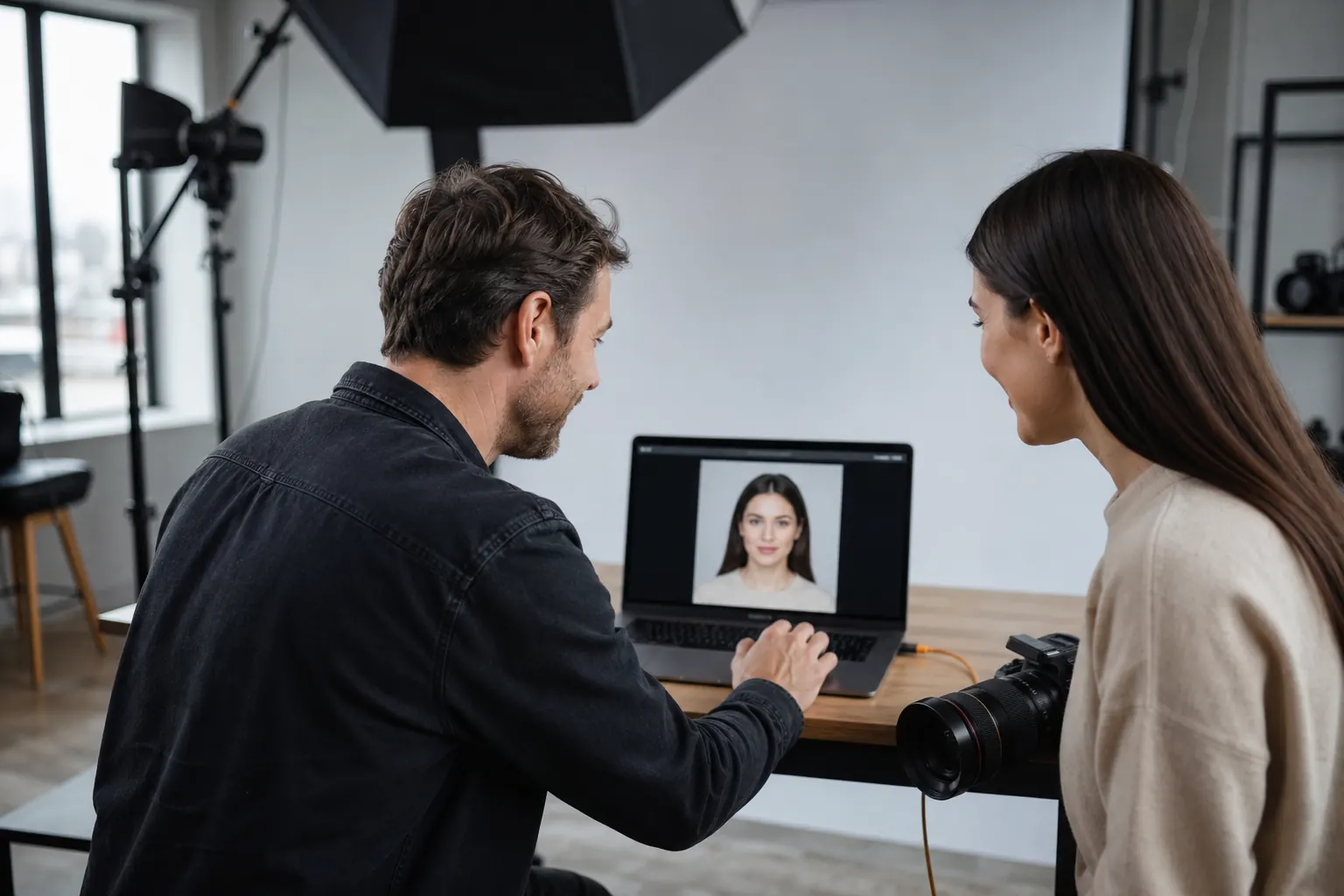
When uploading the image, you must also provide the photographer or studio name, address and the date the photograph was taken. Ask your photographer for both the correct original digital file and printed photos if you want flexibility between online, mail and in-person renewal.
Glasses, Hair, Clothing and Head Coverings
- Prescription glasses: permitted when the eyes are fully visible and there is no glare. Sunglasses and tinted lenses are not accepted. Read our complete guide to glasses in Canadian passport photos.
- Hair: may be worn up or down, but it must not cover the edges of the face.
- Head coverings: accepted when worn daily for religious beliefs or medical reasons, provided the full face is visible and the covering creates no shadows.
- Clothing: choose a colour that contrasts with the light background and avoid white tops. See what to wear for Canadian passport photos.
- Makeup: natural makeup is generally practical as long as it does not change your normal appearance. Review our passport photo makeup guide.
Canadian Passport Photos for Babies and Children
Children use the same 50 mm × 70 mm printed size and 31 mm to 36 mm face-height range. Their photos must also be taken in person by a commercial photographer or studio. No parent’s hands or the child’s own hands may appear in the image.
Newborns are allowed a wider range of facial expressions. A newborn may be photographed in a car seat if a white blanket is placed behind the head and there are no shadows. The baby’s facial features and the edges of the face must remain clearly visible.
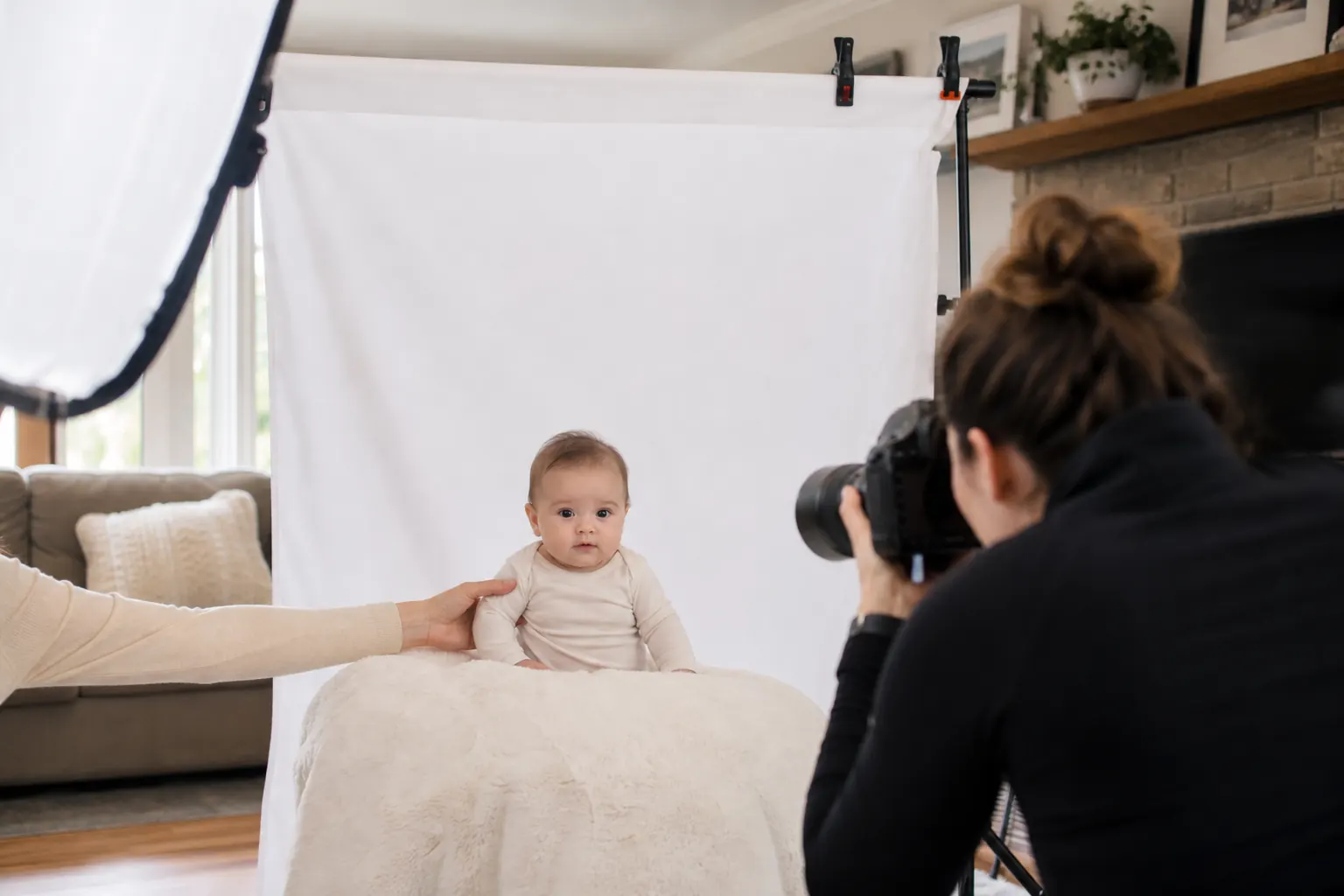
For practical preparation tips, visit our Toronto baby and newborn passport photo guide.
Common Reasons Canadian Passport Photos Are Rejected
- Incorrect 50 mm × 70 mm print dimensions or incorrect face height.
- Smiling, an open mouth, closed eyes or a tilted head.
- Shadows, uneven lighting, glare on glasses or flash reflections.
- A busy, dark or textured background.
- White clothing that blends into the background.
- Missing photographer information or an incorrect certification on the back.
- A digital file that was scanned, retouched, cropped, filtered, compressed repeatedly or altered with AI.
Use our separate Canadian passport photo rejection checklist for a final review before submitting your application. This keeps the checklist page focused on troubleshooting while this article remains the main requirements guide.
Can a Canadian Passport Photo Be Taken at Home?
You cannot submit a selfie or a photo taken by a friend. However, the requirement is that the photo be taken in person by a commercial photographer or photo studio—it does not require you to visit a retail store. A professional photographer can bring a compliant background, lighting and camera setup to your home.
Our at-home passport photo service in Toronto and the GTA is designed for newborns, families, seniors, people with mobility limitations and busy professionals. We also provide in-home passport photography for seniors.
Canadian Passport Photo FAQs
What size is a printed Canadian passport photo?
It must measure 50 mm wide by 70 mm high. The face height must be between 31 mm and 36 mm from chin to crown.
Can I smile in a Canadian passport photo?
No. Use a neutral expression with your mouth closed and eyes open. Newborns are allowed some flexibility in facial expression.
Can I use an AI-generated or retouched passport photo?
No. The Government of Canada states that passport photos must be original and unaltered. AI changes, filters, retouching and background replacement can cause rejection.
Do online renewals use the same file as printed photos?
No. Online renewal requires an original JPEG or JPG digital file with separate pixel, aspect-ratio and file-size specifications. A scan of a printed photo is not accepted.
Book a Professional Passport Photo in Toronto
Green Day Photography provides professional passport photo sessions across Toronto, North York, Richmond Hill, Vaughan, Markham and surrounding GTA communities. We help families and individuals prepare the appropriate printed or digital photo for their application method without relying on selfies, automated filters or AI alteration.
Compare your options in our guide to getting passport photos in Toronto, or contact Green Day Photography to arrange your passport photo session.
Add a Comment