
A content day is one of the most efficient things a small business can do for its marketing: one focused shoot that produces a month of photos and videos. But a content day without a plan usually ends with hours of random footage and very few usable posts. The difference is almost always the content day shot list.
We plan and run content days every month for restaurants, salons, clinics and local brands across Toronto and the GTA. This guide shares the shot list framework we use on set, a sample schedule, industry-specific shots and the mistakes that waste the most time, so you can plan your own content day or know exactly what to expect when you work with us.
What Is a Content Day?
A content day is a planned photo and video session, usually two to eight hours, where a business captures enough material for several weeks of social media, website and advertising content. Instead of filming a little every day, you batch everything into one well-lit, well-organised session. Our monthly packages are built around exactly this: one, two or three sessions a month, each with a clear plan.
The secret is that you are not filming posts one by one. You are filming building blocks: hooks, process clips, product shots, talking-head answers and atmosphere footage that the editor can combine into many different Reels, carousels and stories.
Before the Shoot: Plan Your Content Day Shot List
Good content days are won the week before. Before we build a content day shot list with a client, we answer these questions together:
- What is the goal this month? More bookings, a new product, a seasonal menu, hiring, or simply staying visible.
- Which platforms? Instagram, TikTok, Google Business Profile, YouTube Shorts or your website each need slightly different formats.
- Which formats? Reels, carousels, single photos, stories and longer videos.
- Who is on camera? Owners, staff and customers, and who has agreed to appear.
- What needs approval? Medical clinics, for example, may need a medical director to review scripts before filming.
- What do we need on the day? Products, props, outfits, clean spaces and any rooms that must be blocked from customers.
The answers become a written shot list with timings, which everyone receives before the shoot. On the day, the list keeps the session moving and makes sure nothing important is missed.
The Master Content Day Shot List
This is the framework we adapt for almost every business. Not every shoot needs every line, but checking each category keeps a content day balanced.
1. Space and atmosphere
- A wide establishing shot of the exterior and entrance.
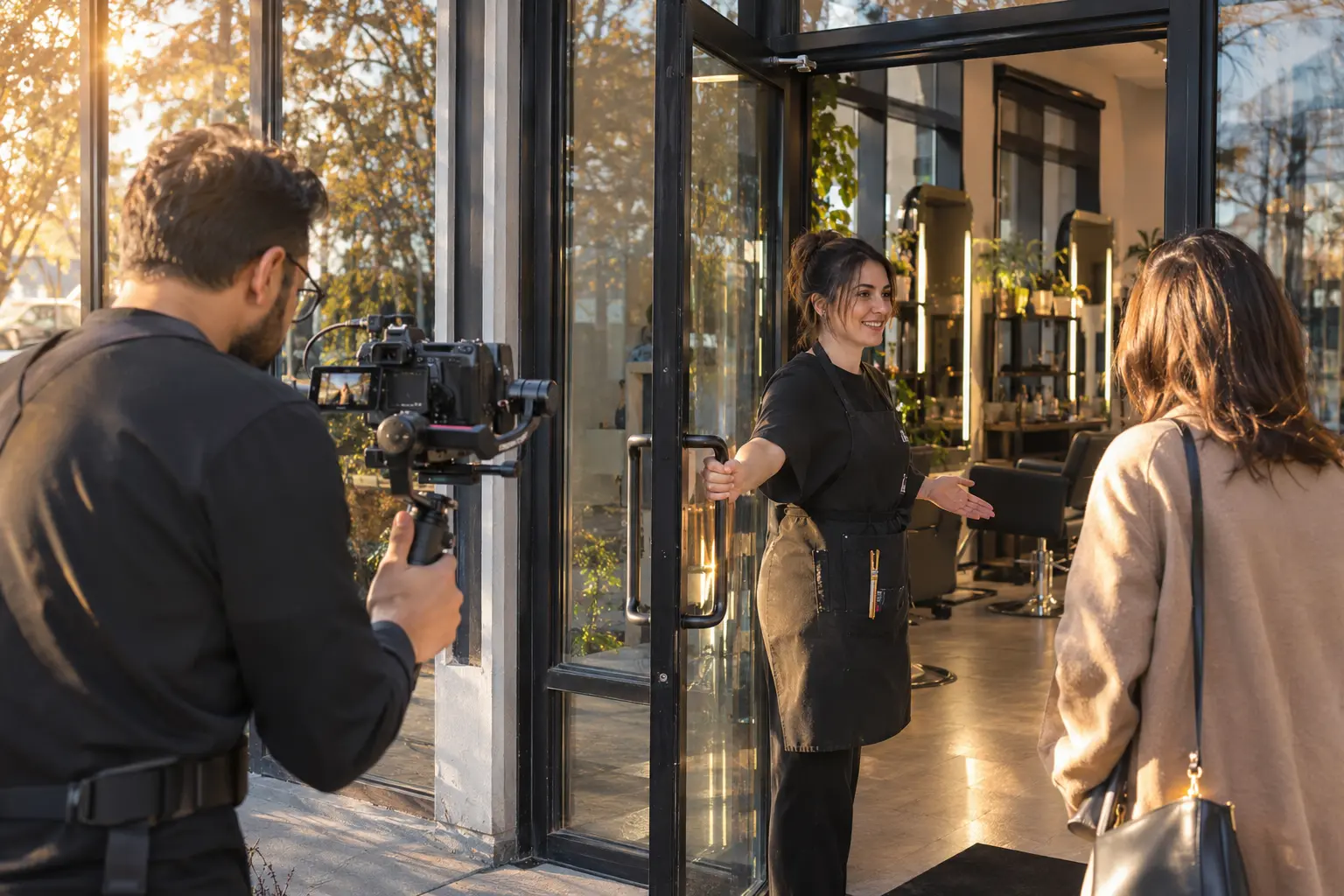
- A slow walk-through from the door into the main space.
- Wide and medium photos of each key area for Google and your website.
- Details that show character: lighting, signage, textures, plants, art.
2. Hero products or services
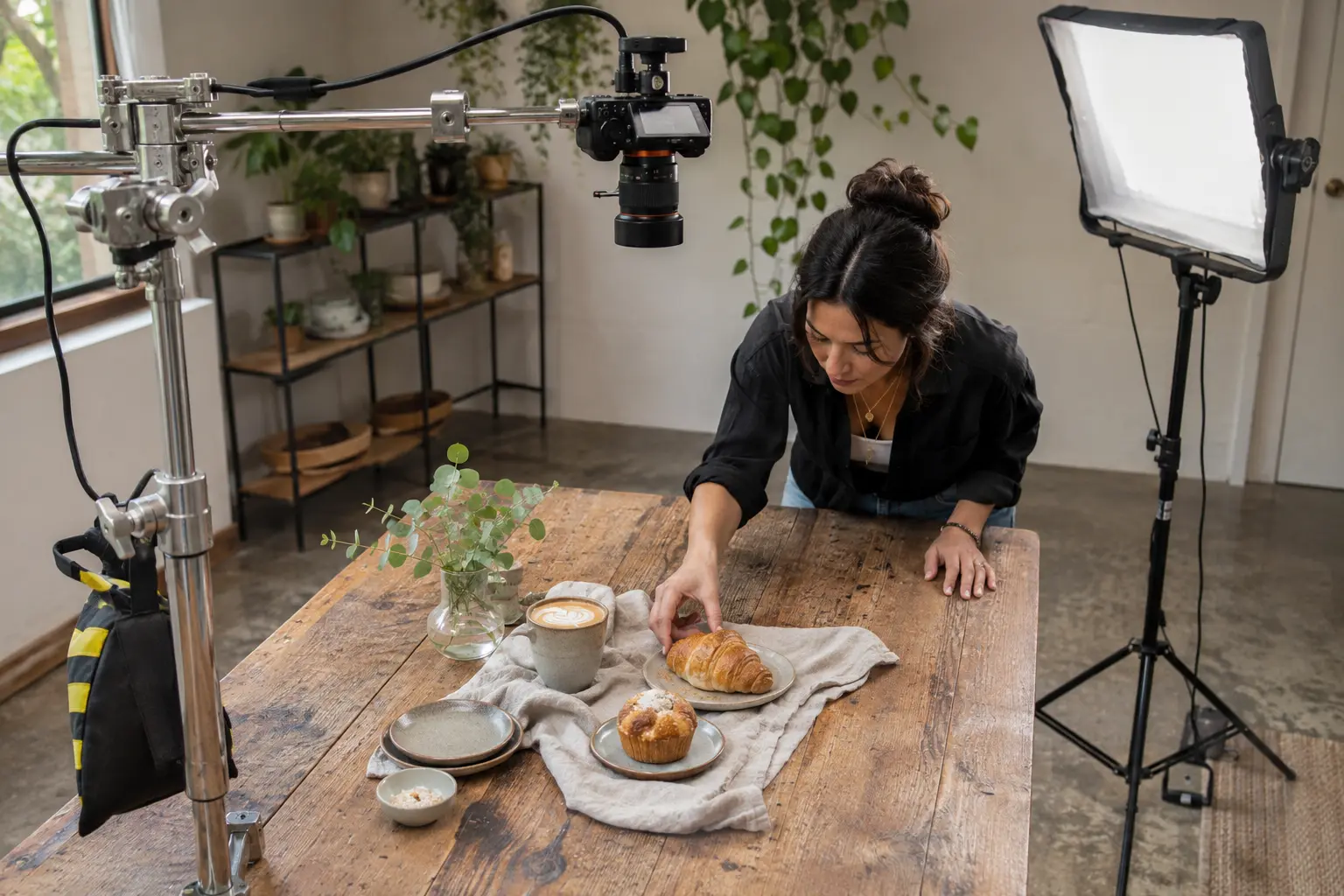
- Clean hero photos of your top three to five products or services.
- Close-up video details: steam, pour, texture, movement.
- One or two styled flat lays or group shots.
3. Process and behind the scenes
- Step-by-step clips of how a dish, service or product comes together.
- Hands at work, filmed close with a steady camera.
- Setup and pack-down moments that show care and standards.
4. People and talking heads
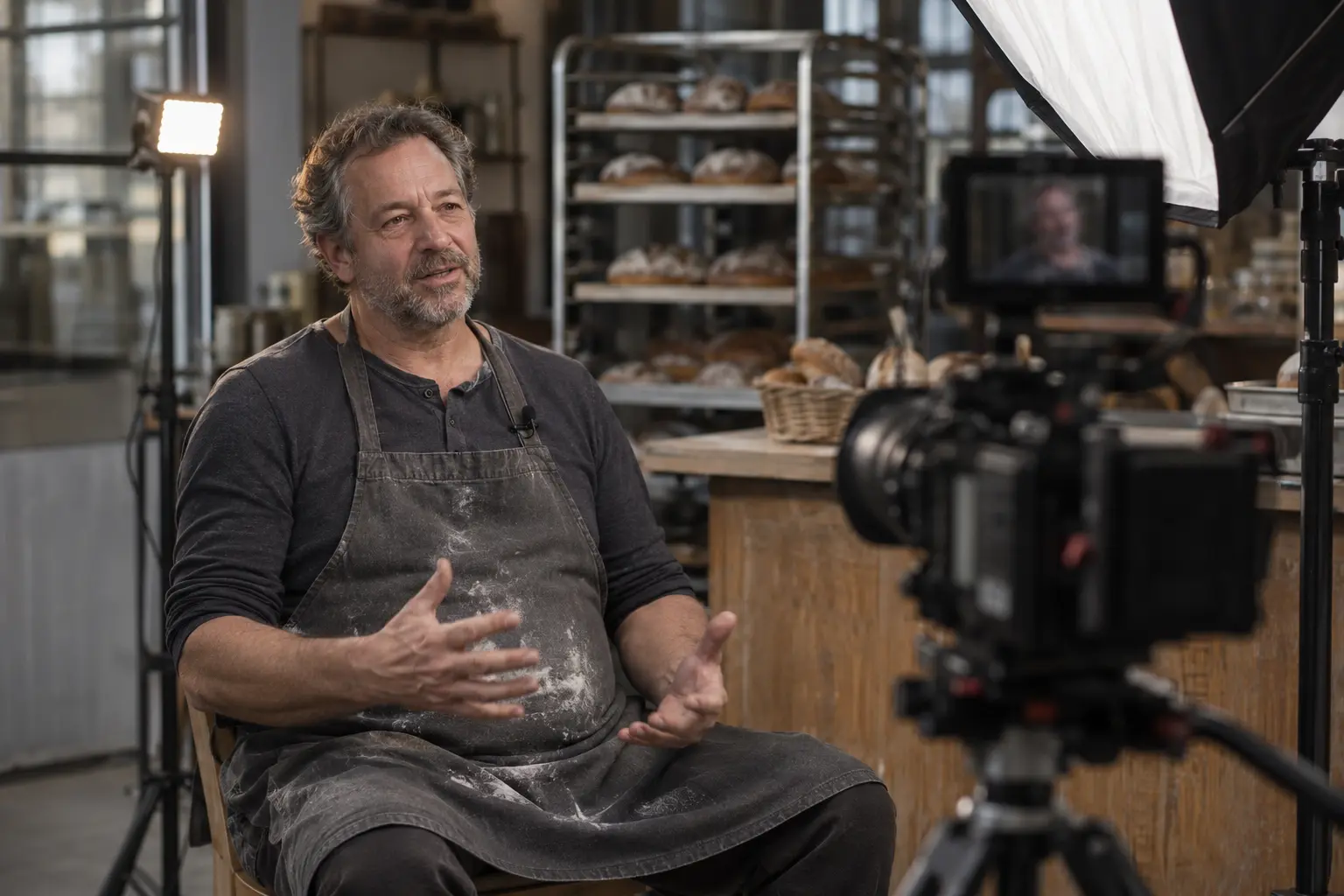
- A short introduction from the owner or a key team member.
- Answers to three to five common customer questions, each filmed as a separate clip.
- Team portraits and candid moments of staff working together.
5. Customer experience (with consent)
- Arrival, welcome and the moment a customer receives the product or result.
- Reactions, filmed only with people who have agreed and signed a release.
6. B-roll and hooks
- Ten-second clips of movement that can open or close any video.
- Strong first-second hooks: a pour, a reveal, a door opening, a before.
- Horizontal and vertical versions of key moments.
A Sample Four-Hour Content Day Schedule
Here is how a typical four-hour session, the length of our Starter package, runs for a café or small restaurant:
| Time | What we film |
|---|---|
| 0:00 to 0:30 | Arrival, lighting setup, exterior and space photos before customers arrive |
| 0:30 to 1:30 | Hero products: plated items, drinks, close-up details and flat lays |
| 1:30 to 2:15 | Process clips: preparation, pouring, plating, hands at work |
| 2:15 to 3:00 | Talking heads: owner introduction and answers to common questions |
| 3:00 to 3:40 | Customer experience and atmosphere during service, with consent |
| 3:40 to 4:00 | B-roll, hooks, missing shots from the list and pack-down |
The order matters. We shoot spaces before customers arrive, food while it is fresh, and talking heads when the team is warmed up but not yet tired.
What We Learned From Real Content Days
Here is a short behind-the-scenes clip from a real restaurant content day we filmed at El Bocho. It shows the kind of setup that makes a shot list work in practice: a gimbal for moving shots, a tripod for locked-off dish shots and a reflector to control the light.
- Shoot both orientations. We capture key moments vertically for Reels and horizontally for websites and YouTube, so nothing has to be cropped badly later.
- Record clean audio. A small wireless microphone on every speaker makes talking-head clips usable; phone audio from across the room rarely is.
- Hold every shot for ten seconds. Editors need room to cut. Two-second clips are almost always too short.
- Keep light consistent. Matching light across a session makes a month of posts look like one brand.
- Batch outfit and set changes. Every change costs setup time, so group shots by look and location.
- Label files as you go. A quick note per scene saves hours in editing and keeps captions accurate.
Content Day Shot Lists by Industry
- Restaurants and cafés: hero dishes, menu photos, pours, plating and dining-room atmosphere. See our restaurant photography guide.
- Hair, nail and beauty salons: before, process and after, colour in window light and stylist introductions. See our salon content creation page.
- Med spas and clinics: space, team, consultation and education, planned around advertising rules. See our med spa content creation page.
- Dental offices: office photos, team headshots and a meet-the-dentist video. See our dental office photography page.
- Retail and product brands: product photos, styled flat lays, unboxing and in-store browsing.
How One Content Day Becomes a Month of Posts
A well-planned content day shot list should deliver material for every week of the month. A typical breakdown looks like this:
- Week 1: a hero product Reel, a team introduction and two photo posts.
- Week 2: a process or behind-the-scenes Reel, an FAQ clip and a carousel.
- Week 3: a customer-experience Reel, a detail photo and Google Business Profile updates (Google recommends real, current photos; see its tips for business photos).
- Week 4: a seasonal or promotional Reel, a second FAQ clip and a recap carousel.
Stories, website updates and ad variations come from the same footage. This is why a single four-hour session can cover our Starter package of one video and three photos per week. To compare budgets, see our content creation cost guide.
What to Prepare on the Day
Even with a professional crew, a few simple preparations from your side make a content day far more productive:
- A clean, tidy space, with clutter, personal items and old signage removed from the areas on the shot list.
- Products ready and in perfect condition, with spares for anything that melts, wilts or gets used up on camera.
- Outfits planned for everyone on camera, ideally solid colours that fit your brand.
- One decision-maker on site who can approve shots, answer questions and keep the schedule moving.
- Signed releases for staff and customers who will appear, collected before filming starts.
Common Content Day Mistakes
- No shot list at all, which leads to lots of footage and few finished posts.
- Too many locations in one session, so most of the time goes into moving and resetting.
- Forgetting consent for staff or customers who appear on camera.
- Filming only products and never the people behind the business.
- Skipping hooks, so every video starts slowly.
- Shooting in the busiest hour without planning around customers and staff.
Frequently Asked Questions
How long should a content day be?
For most small businesses, four hours is enough for a month of content. Larger businesses or several locations usually need two or three sessions a month.
Do you write the content day shot list for us?
Yes. We draft the content day shot list after a planning call, and you review and approve it before the shoot.
Can staff be on camera if they are nervous?
Absolutely. We film short takes, give clear direction and never publish anything a team member is not comfortable with.
Plan Your Next Content Day
If you want a month of content without spending every day filming, tell us about your business and goals. We will build your content day shot list, film it and deliver edited photos and videos ready to post. Learn more about our content creation service for Toronto businesses.
Images on this page, except the client video, are illustrations of the work described.
Add a Comment